MYORA: turn photos into anime-inspired drink memories
Explore MYORA’s photo-to-anime concept, with practical ideas for photographing alcohol-free drinks and creating illustrated memories of a shared evening.
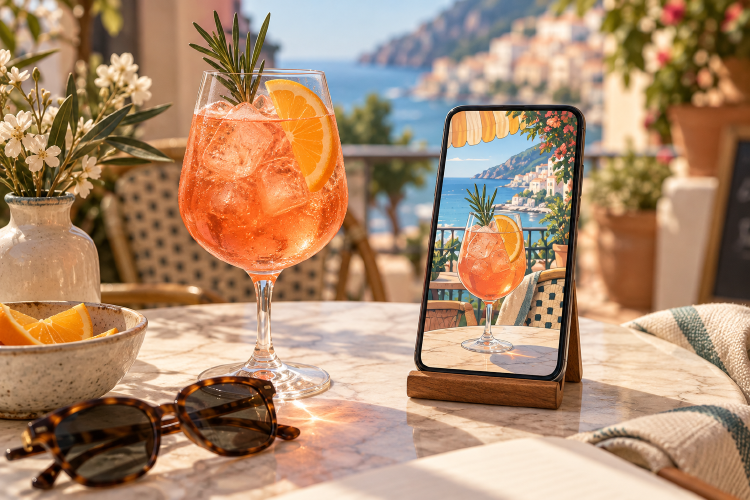
MYORA is an app that uses AI to transform personal photos into anime-style images. A shared evening can leave more than an empty glass behind: a favourite photograph can become a creative reminder of the occasion. For ProstZero readers, that makes MYORA relevant as a tool for an invitation or an illustrated memory of a mocktail gathering.
What does MYORA do?
The official MYORA website describes a simple process: choose a photo, select a style and generate an image. Its examples show how photographs can be reinterpreted visually. The imprint identifies Gefühlt Beta as the operator, the same company behind ProstZero. This profile therefore introduces a project from the same company.
Available styles and purchase conditions can change. Check the current details in the relevant app store and inside the app before using it. MYORA also provides a dedicated support page .
A practical idea for a mocktail evening
Start with a photograph that works in its own right. Place your finished drink against a quiet background, move distracting packaging out of view and let light reach the glass from the side. A distinctive garnish or coloured coaster can give the picture a clear focal point.
If you are photographing several glasses, leave some space between them. Too many straws, hands and small objects can compete with the drink itself. Take a second photograph from a slightly higher angle so you have an alternative composition to work with later.
After a transformation, compare the result with the source photograph. Look at the shape of the glass, the garnish and the number of objects shown. Decide whether the creative interpretation suits your purpose or whether the original photograph better conveys what you want to share.
Where could an illustrated image work?
For a personal invitation, an illustrated drink can suggest the atmosphere you have in mind. A private album could use a different colour mood for each gathering. A small picture for a friends’ group chat is another straightforward use.
If you share a recipe alongside the image, write the ingredients and quantities separately in readable text. Nobody should need to guess the contents of a glass from an illustration. Use photographs you own and ask the people shown before uploading or sharing their images. When publishing an image, make its substantial AI treatment clear.
Choose a drink you want to make
A drink with a clear colour and a simple garnish offers an accessible starting point. Our alcohol-free recipe collection includes citrus, berry and botanical options. Choose something you want to enjoy first, then photograph the actual drink you prepared.
Partner profile based on official MYORA pages, checked on 10 October 2026. The cover was generated separately with AI and is neither a MYORA screenshot nor a result from testing the app.
- Tags:
- Partner
- Creativity
- Photography